
Angular2 Jwt Authentication Example
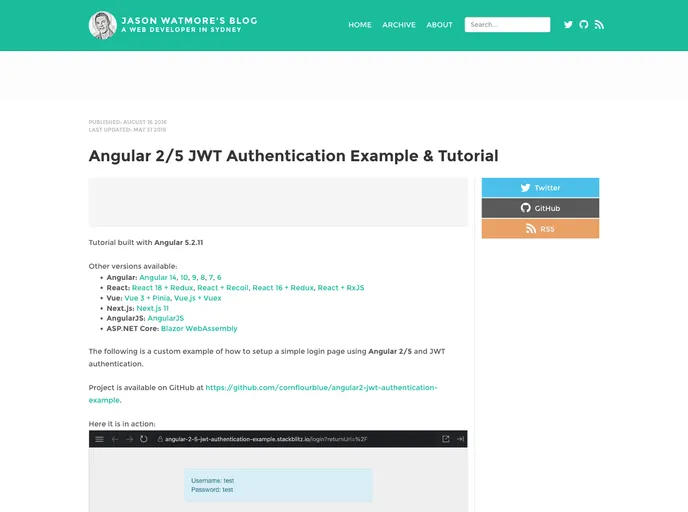
Angular 2/5 JWT Authentication Example
## Overview
The Angular 2/5 JWT Authentication Example provides a solid foundation for developers looking to implement JSON Web Token (JWT) authentication in their applications. It showcases the flexibility and efficiency of Angular in managing user authentication, offering a streamlined experience for both developers and users alike. This example serves as an invaluable resource for those wanting to understand how to secure their applications effectively.

By leveraging JWT, developers can create robust authentication flows that ensure only authorized users can access certain features or data within their applications. The example is straightforward to follow, making it accessible to those who may be new to Angular or authentication methods.

## Features
- **JWT Implementation**: Demonstrates how to use JSON Web Tokens for securing APIs and handling user sessions.
- **User Authentication Flow**: Guides through setting up a complete authentication system, from login to token management.
- **Angular Integration**: Utilizes Angular’s powerful features to create a cohesive and responsive user experience for authentication.
- **API Communication**: Showcases how to interact with backend APIs securely using the JWT for authentication.
- **Error Handling**: Implements effective error handling strategies for a more resilient authentication process.
- **Demo Application**: Provides a comprehensive demo application to help users visualize the whole authentication flow.
- **Best Practices**: Highlights best practices for maintaining security and usability in JWT authentication.
- Typescript

TypeScript is a superset of JavaScript, providing optional static typing, classes, interfaces, and other features that help developers write more maintainable and scalable code. TypeScript's static typing system can catch errors at compile-time, making it easier to build and maintain large applications.