
Angular 6 Jwt Authentication Example
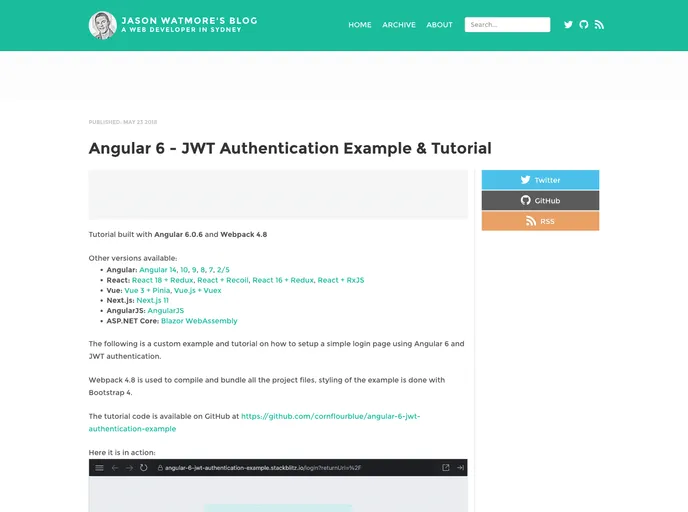
Angular 6 JWT Authentication Example
## Overview
Angular 6 JWT Authentication Example provides a comprehensive approach to implementing secure authentication in Angular applications using JSON Web Tokens (JWT). This guide demonstrates how to set up a functional example using Webpack 4, making it easy for developers to follow and integrate JWT authentication into their projects. The clear instructions and practical examples make this a valuable resource for building secure applications.

## Features
- **Comprehensive Tutorial**: Offers step-by-step instructions on how to set up JWT authentication in Angular 6, making it easy for developers of all levels to follow along.
- **Webpack Integration**: Demonstrates how to use Webpack 4 for bundling and serving the application, ensuring optimal performance and build efficiency.
- **Secure Access**: Implements security measures necessary for application authentication, allowing users to log in and access restricted areas with ease.
- **Example Application**: Provides a working example that can be easily modified and extended to suit specific project requirements.
- **Clear Code Documentation**: Code snippets are clearly documented for better understanding, making it easier to grasp the functionality and implementation details.
- **Cross-Browser Compatibility**: Ensures that the authentication flow works smoothly across different web browsers, enhancing user experience.
- **Real-World Application**: This example is based on real-world practices, giving developers insight into best practices for handling authentication in Angular applications.
- Typescript

TypeScript is a superset of JavaScript, providing optional static typing, classes, interfaces, and other features that help developers write more maintainable and scalable code. TypeScript's static typing system can catch errors at compile-time, making it easier to build and maintain large applications.
- Webpack

Webpack is a popular open-source module bundler for JavaScript applications that bundles and optimizes the code and its dependencies for production-ready deployment. It can also be used to transform other types of assets such as CSS, images, and fonts.