
Mp Tela Login Tailwind
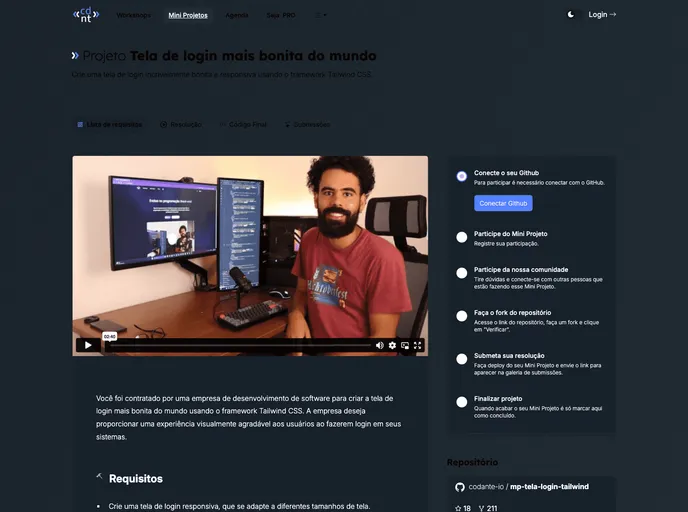
Crie uma tela de login incrivelmente bonita e responsiva usando o framework Tailwind CSS.
Overview
Creating a stunning login screen is essential for a positive user experience, and using Tailwind CSS makes the task much more enjoyable and efficient. The guidelines provided emphasize aesthetics alongside functionality, ensuring that users not only interact seamlessly with the interface but also appreciate its visual appeal. By focusing on responsive design and utilizing Tailwind's powerful styling capabilities, developers can craft a login experience that stands out.
The idea here is to design an intuitive login screen that incorporates essential elements while allowing for personal creativity. With the foundation laid out in the requirements, it's clear that a thoughtful approach to design and user interaction will result in a login experience that is both beautiful and user-friendly.
Features
- Responsive Design: Adapts seamlessly to various screen sizes, ensuring usability across all devices.
- Tailwind CSS Utilization: Leverages the flexibility of Tailwind CSS for an aesthetically pleasing and easily customizable interface.
- User Input Fields: Includes dedicated input fields for username and password, making data entry straightforward.
- Login Button: A clear and inviting "Entrar" button prompts users to log in, enhancing the login flow.
- Input Validation: Ensures that users are prompted with error messages if required fields are left empty, improving user guidance.
- Post-Login Redirection: After successful login, users are redirected to a welcoming page, enhancing the transition experience.
- Visual Enhancements: Encourages creative use of design elements, allowing for smooth transitions and animations for an engaging interaction.
- Cross-Browser Compatibility: Testing on various browsers ensures a consistent experience regardless of the user’s choice of platform.