
Adminstore
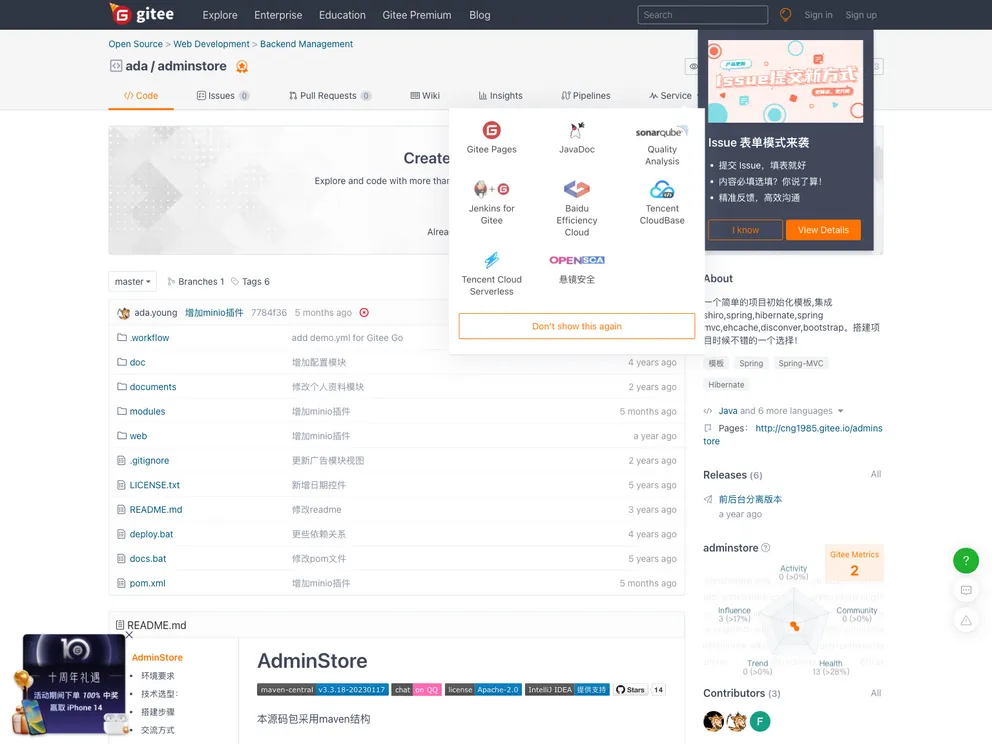

一个简单的项目初始化模板,集成shiro,spring,hibernate,spring mvc,ehcache,disconver,bootstrap。搭建项目时候不错的一个选择!,后台采用AdminLte。
Overview:
AdminStore is an open-source project developed and maintained using Apache-2.0 license. It is built using IntelliJ IDEA and follows the Maven project structure. AdminStore requires JDK6 or higher (preferably JDK8) and Servlet2.5 or higher. It also requires MySQL5.0 or higher and Maven3.0 or higher. The technology stack of AdminStore includes SSH (Spring, SpringMVC, Hibernate), Shiro for security permissions, Ehcache for caching, Freemarker for view templates, activiti for workflow engine, and quartz for scheduling tasks. AdminStore is built on the AdminLTE bootstrap theme.
Features:
- Menu management functionality
- Template management functionality
- Plugin management functionality
- Login log management functionality
Installation:
- Create a database and set the character set to utf8 or utf8mb4 (recommended for supporting special characters).
- Execute the database scripts located in the "database" directory. Create the mysql database and import the "adminstore.sql" script.
- Import the Maven project in IntelliJ IDEA. Click on the "File" menu, select "Open", and choose the project path.
- After creating the Maven project, it will start downloading third-party jar files from the Maven server (such as Spring). This may take some time, so please be patient.
- Modify the database connection settings. Open the "jdbc.properties" file located in "/web/src/main/resources/" directory, and update the values of "jdbc.url", "jdbc.username", and "jdbc.password" according to your database settings.
- Run the program. In IntelliJ IDEA, right-click on the project name and select "Run" > "Run Configurations" > "+" > "Maven". Select the project path as the working directory and enter "jetty:run" in the command line. Click on "Run".
- Access the system. Front-end URL: http://localhost:8080/web/index.htm, Mobile site URL: http://127.0.0.1:8080/web/, Back-end URL: http://localhost:8080/web/login.htm. Use the username "admin" and password "123456" to log in.
Summary:
AdminStore is an open-source project developed using IntelliJ IDEA and Maven. It utilizes a variety of technologies such as SSH, Shiro, Ehcache, Freemarker, activiti, and quartz to provide menu management, template management, plugin management, and login log management functionalities. The installation process involves creating a database, importing the project in IntelliJ IDEA, modifying database connection settings, and running the program. Once installed, the system can be accessed through different URLs for front-end, mobile site, and back-end.
- Bootstrap
Bootstrap is the most popular CSS Framework for developing responsive and mobile-first websites.