Copia Client
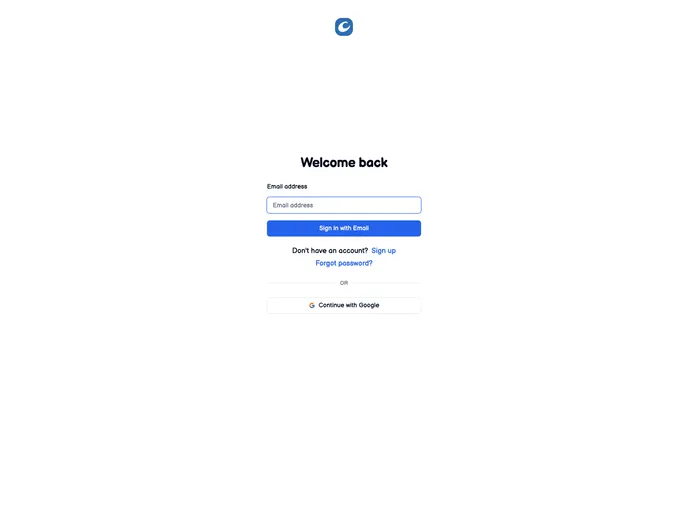
Copia Frontend. Order Management System designed to streamline the operations of Direct Sales representatives.
Overview:
Copia is a software tool designed to help users manage orders, track customer interactions, and organize customer information. With a user-friendly interface and a range of useful features, Copia streamlines the order management process and enhances customer relationship management (CRM). This article provides a guide on how to install Copia and gives an overview of its key features.
Features:
- Order Management: Create, track, and manage orders efficiently.
- Customer Interaction Tracking: Keep a record of customer interactions, including calls, emails, and meetings.
- Customer Information Organization: Store and organize customer details for easy access and retrieval.
- User-friendly Interface: Enjoy a simple and intuitive interface for seamless navigation.
- Account Creation and Login: Create an account and log in to access your personalized Copia dashboard.
- NPM Package Installation: Install necessary NPM packages to run Copia smoothly.
- README Update: Keep the README file updated with the latest information.
- Roadmap: Stay informed about upcoming features and improvements on the roadmap.
Summary:
Copia is a comprehensive order management and customer relationship management tool that helps streamline business processes. Its key features include order management, customer interaction tracking, and customer information organization. The installation process involves cloning the repository or installing NPM packages. Overall, Copia provides a user-friendly interface and aims to enhance the way businesses manage orders and customer relationships.