
Paperesque
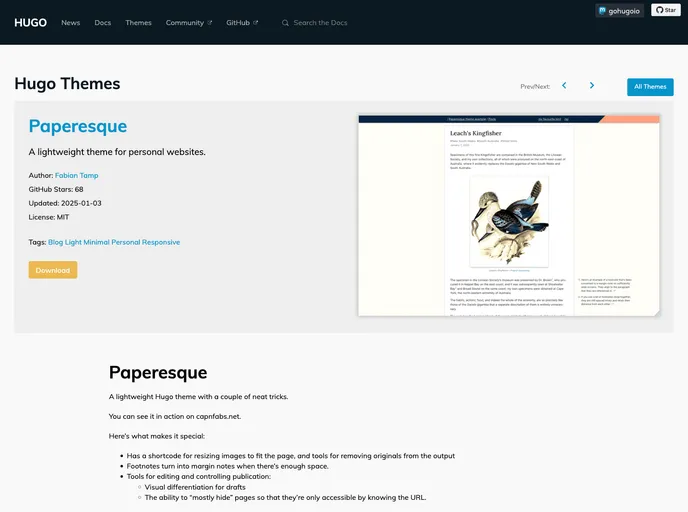
A lightweight theme for Hugo (gohugo.io)
Overview
Paperesque is a lightweight Hugo theme that offers a few unique features. It is designed to be easy to use and customizable for individual needs. The theme is showcased on capnfabs.net and the Hugo Themes Example Site.
Features
- Image resizing: Paperesque provides a shortcode for resizing images to fit the page and even allows for the removal of the original images from the output.
- Draft differentiation: Drafts are visually differentiated with an orange stripey background, making them easily recognizable.
- Margin notes for footnotes: When there is enough space, footnotes are transformed into margin notes, providing a more visually appealing reading experience.
Installing with git subtree
- Use the following command to add the theme files to your repository using
git subtree:git subtree add --prefix themes/paperesque https://github.com/<username>/<repository>.git main - Modify the theme as needed for your own usage.
Installing with git submodules
- Select the theme in your
config.tomlfile by adding or modifying thethemefield:theme = ["paperesque", "exampleSite"] - Modify the theme as needed for your own usage.
Summary
Paperesque is a lightweight Hugo theme that offers useful features such as image resizing, visual differentiation for drafts, and margin notes for footnotes. It provides easy installation through git subtree or git submodules, allowing users to customize the theme to their specific needs.