Breuerfelix.github.io
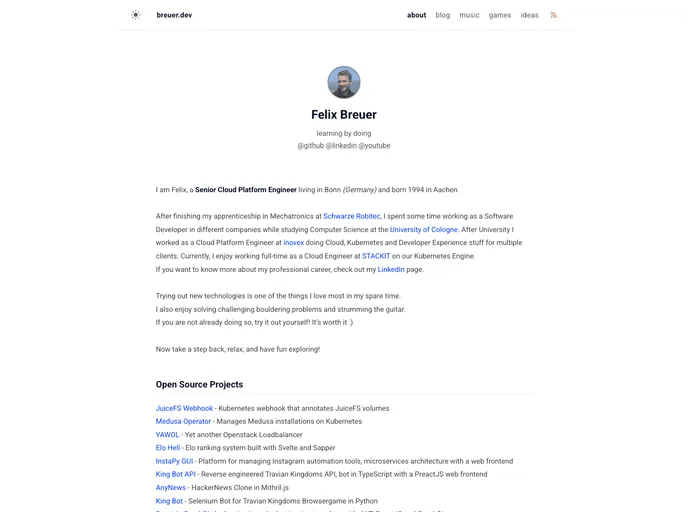
my website
Overview:
The content provided outlines the features and installation process of a personal website development project. It covers steps such as installing Ruby, using the Jekyll framework, implementing open graph, enabling commenting, resolving code tasks, and adding syntax highlighting.
Features:
- Ruby Installation: You need to install Ruby on your system using the command
sudo apt install ruby-full. - Jekyll Setup: Use the command
gem install bundler jekyllto install the Bundler and Jekyll gems. - Bundle Installation: Execute
bundle installto install the required dependencies. - Serve the Website: Start the Jekyll server using
bundle exec jekyll serveto serve your website locally. - Open Graph Implementation: Copy over the Klise readme file to incorporate Open Graph protocol support.
- Commenting with Utterance: Add a comment about how to enable commenting using the Utterance tool.
- Code Tasks Resolution: Resolve all the remaining TODOs in the code.
- Post Display Gap: Add a gap after every 5 posts to improve readability.
- Syntax Highlighting: Light Mode: Implement a light mode for syntax highlighting in the website.
Summary:
The content provides guidelines for developing a personal website. It covers the installation of Ruby and necessary gems, configuring Jekyll, incorporating Open Graph protocol, enabling commenting with Utterance, resolving code tasks, and enhancing the website with features like post display gaps and light mode syntax highlighting. Following these instructions will assist in setting up and customizing a personal website efficiently.