Hima
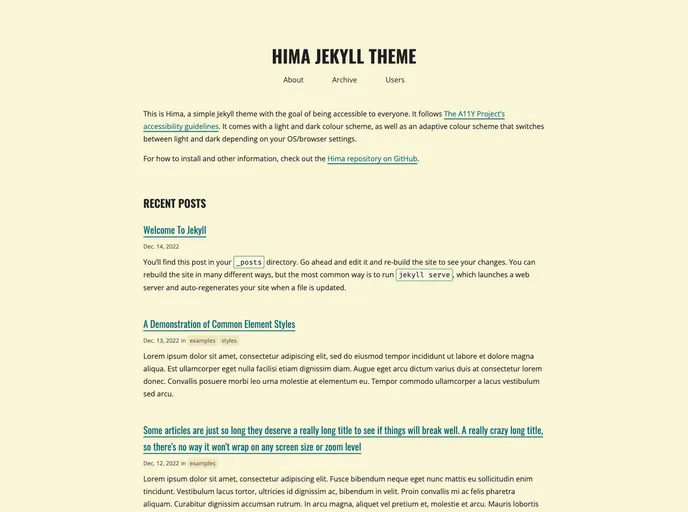
A simple Jekyll theme with a focus on accessibility.
Overview:
Himahima is a simple Jekyll theme with the goal of being accessible to everyone. It follows The A11y Project's accessibility guidelines.
Features:
- Accessible design
- Light and dark mode support
- Easy installation process
- Customizable layouts
- Integrated Google Analytics
- Social media integration
- Adaptive color scheme
Remote Theme Installation (for GitHub pages):
- Add the following to your Gemfile to install the jekyll-remote-theme plugin:
gem "jekyll-remote-theme"
- In your _config.yml file, set the theme and add the plugin:
remote_theme: 'username/repo'
plugins:
- jekyll-remote-theme
- Run
bundle installto install gems.
Gem-based Theme Installation:
- Add this line to your Jekyll site's Gemfile:
gem "hima"
- Add this line to your Jekyll site's _config.yml:
theme: hima
- Execute:
$ bundle install
- Or install it yourself as:
$ gem install hima
Summary:
Himahima is a simple and accessible Jekyll theme that supports light and dark mode. It offers easy installation options using remote theme installation or gem-based theme installation. The theme provides customizable layouts, integrated Google Analytics, social media integration, and an adaptive color scheme. It follows The A11y Project's accessibility guidelines, making it accessible to everyone.