
Mkdocs Swagger UI Tag
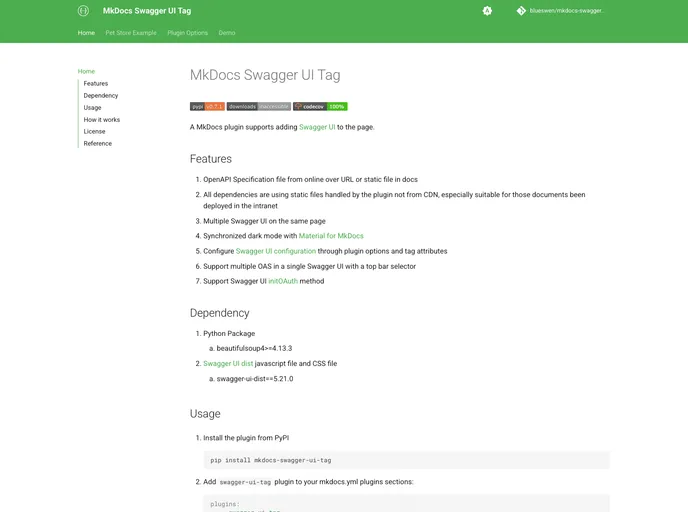

A MkDocs plugin supports adding Swagger UI to the page.
Overview
The MkDocs Swagger UI Tag plugin is a powerful tool for developers looking to integrate Swagger UI into their MkDocs documentation effortlessly. With the ability to serve OpenAPI specifications from various sources, this plugin enhances the usability of API documentation significantly, especially in an intranet environment. By providing a user-friendly interface and various customization options, it allows users to navigate and interact with API endpoints more efficiently.
This plugin is particularly beneficial for teams who need to implement multiple Swagger UIs on a single page, as well as for those who prefer a coherent dark mode that syncs with Material for MkDocs. The extensive configuration options further enable users to tailor the functionality to their needs, making it a highly adaptable solution for documentation requirements.
Features
-
OpenAPI Specification Handling: Easily load OpenAPI specs from online URLs or static files located in the docs directory.
-
Static File Management: All dependencies are managed through static files rather than CDNs, ensuring functionality even in intranet scenarios.
-
Multiple Swagger UIs: Effortlessly display multiple Swagger UIs on the same page, allowing for better organization and presentation.
-
Synchronized Dark Mode: The plugin seamlessly syncs dark mode settings with Material for MkDocs, ensuring a visually appealing experience.
-
Customizable Configuration: Adjust Swagger UI settings via the mkdocs.yml file or directly through tag attributes, making customization straightforward.
-
Support for Multiple OAS: Integrate multiple OpenAPI Specifications within a single Swagger UI, complete with a convenient top bar selector for navigation.
-
Enhanced Filtering Options: Include a filtering feature that allows users to easily find tagged operations, improving searchability.
-
OAuth Support: The plugin supports the initOAuth method, allowing for secure API interaction and authorization management.
- MkDocs
MkDocs is a fast, simple and downright gorgeous static site generator that's geared towards building project documentation. Documentation source files are written in Markdown, and configured with a single YAML configuration file.