
My Jekyll Docker Website
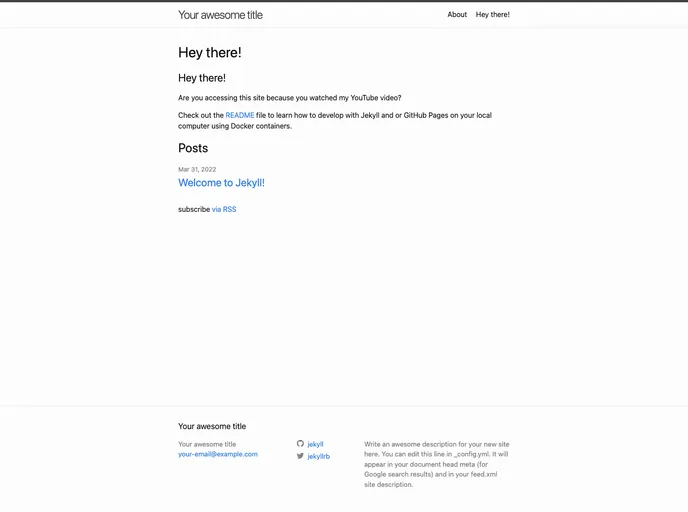
Testing Jekyll Development using Docker
Overview:
Developing a website using Jekyll and GitHub Pages can often be a daunting task, especially for those who are not well-versed in Ruby. However, utilizing Docker containers simplifies this process significantly. By encapsulating the development environment, Docker allows you to work without the hassle of installing Ruby and Jekyll directly on your machine, making it a more approachable option for web development. This guide provides a comprehensive overview of how to leverage Docker to develop a Jekyll website locally, enabling you to focus on creating rather than troubleshooting complex setups.
With the right tools and setup, you can have your Jekyll website up and running smoothly in no time. This process not only streamlines development but also offers flexibility, allowing you to switch versions of Ruby or Jekyll effortlessly. Whether you are new to Jekyll or looking to simplify your workflow, this approach caters to diverse needs and skill levels.
Features:
- No Local Install Required: Bypass the need for Ruby and Jekyll installations directly on your desktop, reducing setup complexity.
- Remote Development with VS Code: Connect to Docker containers using Visual Studio Code, allowing a familiar coding environment without local dependencies.
- Quick Version Switching: Easily transition between different versions of Ruby or Jekyll, enabling compatibility with various projects.
- Local Testing: Test your website within the Docker container while using any browser on your computer to view changes in real-time.
- Structured Setup Steps: Follow clear and concise steps to create a GitHub Pages website, ensuring a smooth implementation process from start to finish.
- Containerized Environment: Encapsulate your development environment, minimizing conflicts and ensuring consistency across different projects.
- Easy Code Management: Manage your code effectively with built-in features like .gitignore to streamline the GitHub repository setup.
- Useful FAQs: Access a section dedicated to common questions about using Docker containers with Jekyll, providing quick solutions to potential issues.