Jekyll Themes
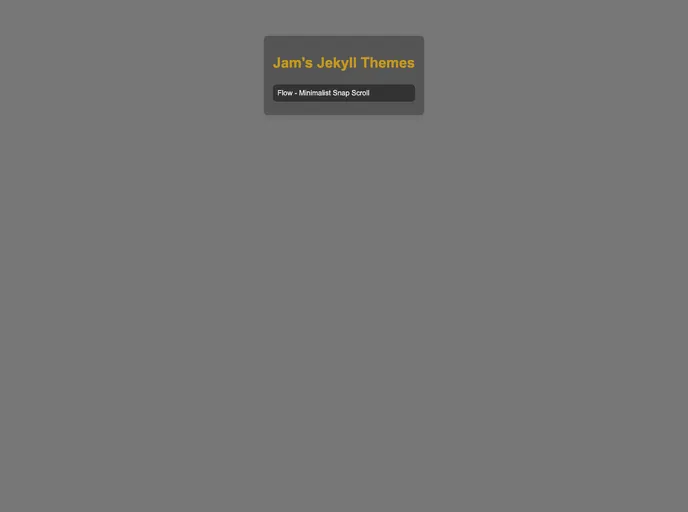
Ruby Gems and demos for my Jekyll themes
Overview:
FlowFlow is a simple and elegant SPA-inspired Jekyll theme designed for clients or portfolios. This mobile-friendly theme features snap scrolling, lazy loading capability, and more.
Features:
- Snap Scrolling: Provides a smooth scrolling experience for users.
- Lazy Loading Capability: Allows for the lazy loading of content, improving page load times.
- Mobile-Friendly Design: Ensures that the theme looks and functions well on mobile devices.
- Site Icon (Favicon) Customization: Easily add a custom site icon/favicon using your preferred method.
- Social Links Integration: Add social media links to your website using the specified format.
- Create New Articles: Easily create new articles by adding HTML files to the appropriate folder.
- Custom Pages: Customize your website by creating HTML documents with front matter.
- Basic Lazy Load Embed Helper: Makes it easier to embed lazy load content from platforms like YouTube and Twitch.
- Contributing: Users are welcome to report bugs on GitHub or contact the developer on Discord. Contributors are expected to adhere to the Contributor Covenant code of conduct.
- Development: Developers can clone the repository, modify the distributables, and navigate to the output directory for modification. The theme is available under the MIT License.
Download Theme Scaffold:
- Download the theme scaffold from the provided source.
- Extract the downloaded files.
Customize _config.yml:
- Open the
_config.ymlfile in the extracted theme scaffold. - Customize the configuration variables according to your preferences.
Upload to GitHub (or Build Locally):
If you want to host your website on GitHub Pages, follow these steps:
- Create a GitHub repository for your website.
- Upload the extracted theme scaffold to the repository.
- Go to your repository settings tab and enable GitHub Pages via Actions.
- Go to your repository actions tab and trigger the workflow to generate your website.
Alternatively, if you want to build the website locally:
- Install Ruby and Jekyll on your system.
- Open a command prompt or terminal and navigate to the extracted theme scaffold directory.
- Run the command
bundler exec jekyll serveto build and serve the website locally.
Note: Some additional setup may be required depending on your system configuration.
Use as a Ruby Gem (Optional):
If you prefer to use FlowFlow as a Ruby Gem, follow these additional steps:
- Create a Gemfile in your project directory.
- Paste the following code into the Gemfile:
gem 'flow-flow', '>= 0.0.0', :github => 'benjammin4dayz/flow-flow'
- Run
bundle installto install the FlowFlow gem.
Summary:
FlowFlow is a stylish and feature-rich Jekyll theme suitable for clients or portfolios. With its mobile-friendly design, snap scrolling, and lazy loading capability, it provides a smooth and engaging user experience. Users can easily install the theme, customize it, and take advantage of its various features, such as customizing site icons, adding social links, creating new articles, and more. FlowFlow also offers a Ruby Gem option for developers who prefer a different installation method.