
Blog
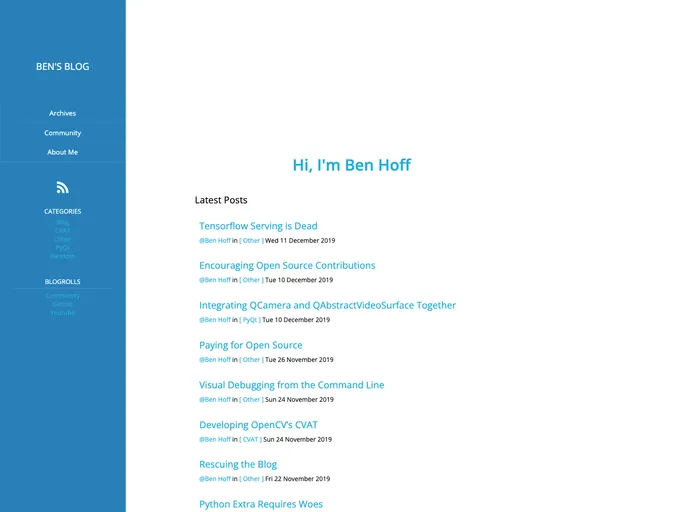
Personal Blog using Pelican
Overview
Managing a personal blog has never been easier, thanks to the combination of Pelican and GitHub Pages. This setup allows users to create, manage, and publish their content seamlessly. With clear steps for setting up a local environment along with convenient commands for building and deploying your website, it's a straightforward process that anyone can follow.
Whether you are a seasoned developer or a complete beginner, the integration of Pelican with GitHub Pages offers a powerful solution for those looking to share their thoughts and ideas online. The commands are simple, and with just a few setup steps, you can see your articles live on the web.
Features
- Easy Setup: Quickly clone the repository and create a virtual environment to kickstart your blog development.
- Local Development: Use
$ make serveto preview your site locally, ensuring everything looks just right before publishing. - Simple Publishing: Deploy your articles effortlessly with a single command, assuming your configuration is correct.
- Custom Configuration: Control your deployment by simply adjusting the publish remote to fit your needs.
- HTML Generation: Create articles in a snap by using
$ make html, making the writing process efficient. - Support for Markdown: Write your articles in Markdown for a straightforward and clean way to format your content.
- Version Control Integration: Leverage Git for version control, making it easy to track changes and collaborate with others if needed.