Calculator
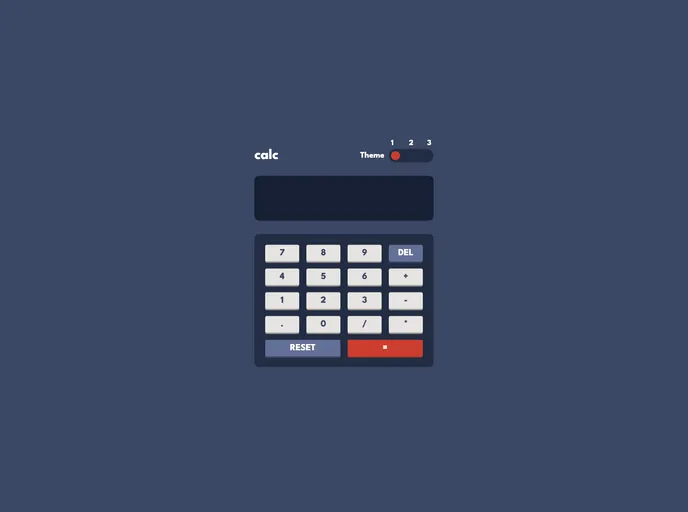
A calculator built using ReactJS.
Overview:
The article is an introduction to a front-end coding challenge called Frontend Mentor - Calculator app. The challenge requires participants to build a calculator app that closely resembles the provided design. Participants need a good understanding of HTML, CSS, and JavaScript to complete the challenge. The users should be able to see the elements adjust based on their device's screen size, perform mathematical operations, and adjust the color theme. There is also a bonus feature of checking the initial theme preference using prefers-color-scheme and saving additional changes in the browser.
Features:
- Responsive Design: The calculator app's elements adjust based on the user's device's screen size.
- Mathematical Operations: Users can perform addition, subtraction, multiplication, and division using the calculator app.
- Color Theme Adjustment: Users can adjust the color theme of the calculator app based on their preference.
- Bonus Feature - Initial Theme Preference: The app checks the user's initial theme preference using prefers-color-scheme.
- Bonus Feature - Saving Additional Theme Changes: Users can save any additional changes to the color theme in the browser.
Summary:
The article introduces a front-end coding challenge where participants are required to build a calculator app based on a provided design. The app must have responsive design, support mathematical operations, and allow users to adjust the color theme. Bonus features include checking initial theme preference and saving additional changes in the browser. The installation guide explains the steps to build the app.