
ArchiveBox
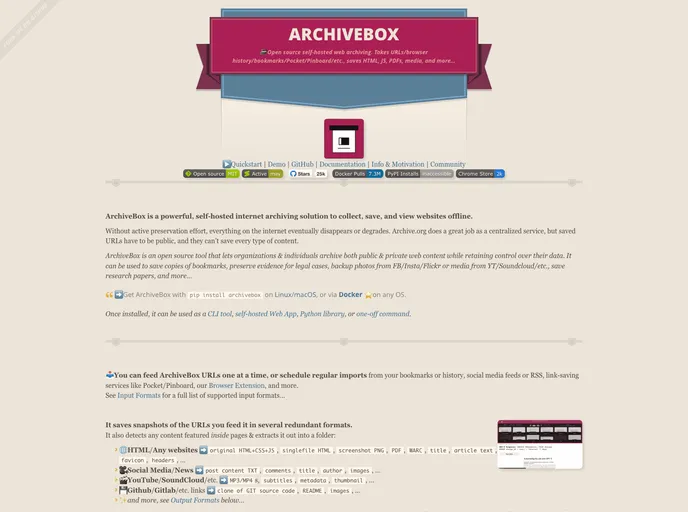
Open source self-hosted web archiving. Takes URLs/browser history/bookmarks/Pocket/Pinboard/etc., saves HTML, JS, PDFs, media, and more...
Overview
ArchiveBox is an innovative self-hosted application designed to help individuals and organizations preserve essential web content in various formats. This tool addresses the growing concern of digital content disappearing over time, providing a means to safeguard bookmarks, research papers, social media posts, and much more. With its user-friendly interfaces, including a web app and CLI, ArchiveBox ensures that your valuable data remains useful and accessible for years to come.
The platform supports a wide range of output formats, making it versatile enough to cater to different archiving needs. Whether you want to save a snapshot of a webpage or archive rich media from social media platforms, ArchiveBox's functionality and integration capabilities make it a robust choice for anyone looking to preserve their digital footprint.
Features
- Open Source: Free to use and customizable, giving you full control over your data while maintaining privacy through self-hosting.
- Multiple Input Formats: Allows importing URLs one at a time or scheduling regular imports from bookmarks, social media, and services like Pocket or Pinboard.
- Comprehensive Output Formats: Saves web content in standard formats such as HTML, PNG, PDF, JSON, and more, ensuring accessibility for years ahead.
- Integrated Toolset: Utilizes common tools like Chrome and wget, storing data in ordinary files and folders without proprietary formats.
- Flexible Access Methods: Interact with ArchiveBox via a browser extension, CLI, Python API, or self-hosted web interface, providing options for user preference.
- Powerful CLI: Complete control through a command-line interface that supports modular dependencies and external storage services like Google Drive and S3.
- Scheduled Crawls: Automate the archiving process by setting up schedule-based imports to keep your collection up to date.
- User-Friendly Documentation: Comprehensive guides available to assist users in navigating the installation and operational aspects of ArchiveBox.