
Vite Php Setup
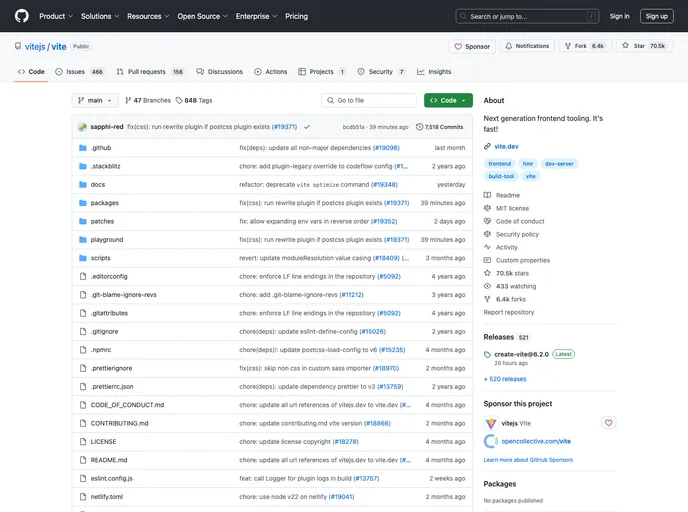
Example on how to run Vite on traditional PHP sites
Overview
This example code demonstrates how to run Vite on traditional PHP sites, providing a minimal setup that can be adapted to various scenarios like WordPress or Laravel. The goal of this setup is to handle things in the cleanest way possible, ensuring that it works gracefully while running the project from a local server. Despite some known issues during development, like Vite's port limitations and the need for symlinks for image URLs within CSS, this setup promises fast and efficient performance for projects that require a mix of regular HTML and interactive elements using Vue components.
Features
- Bare-minimum Setup: A minimal configuration to demonstrate running Vite on traditional PHP sites.
- Local Server Usage: Project runs from a local server, with Vite serving assets from localhost.
- Vue Integration: Example includes multiple Vue components for interactive elements alongside regular HTML.
- Known Issues Handling: Provides solutions for known issues like Vite's port limitations and image URL handling in CSS.
- Tips for Multiple Entries: Guidance on handling multiple entries such as backend and frontend scripts.
Summary
This example provides a straightforward guide for running Vite on traditional PHP sites, highlighting key features like the minimal setup, usage of Vue components, and tips for handling known issues during development. By following the provided installation guide and tips for managing multiple entries, developers can leverage Vite for efficient project building and frontend development.