
E Commerce
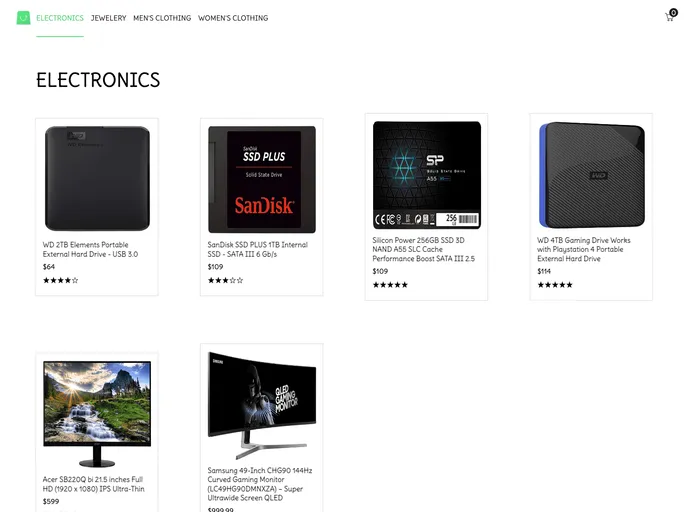
Fully responsive ecommerce website, built using HTML CSS and JavaScript.
Overview:
The content provided is a guide on how to get started with Create React App, which is a tool used for bootstrapping React applications. It provides information on the available scripts, such as running the app in development mode, launching the test runner, and building the app for production. It also mentions the option to eject from Create React App to have more control over the configuration files and dependencies. The guide includes links to additional documentation for learning more about Create React App and React itself.
Features:
- Easy bootstrapping: Create React App allows for easy setup and bootstrapping of React apps.
- Development server: The
npm startcommand runs the app in development mode and automatically reloads the page when changes are made. - Testing: The
npm testcommand launches the test runner in an interactive watch mode for efficient testing. - Production build: The
npm run buildcommand builds the app for production, optimizing its performance and creating a build folder ready for deployment.
Summary:
The provided content is a guide for getting started with Create React App, a tool used for bootstrapping React applications. It explains the available scripts for development, testing, and production build, as well as the option to customize the configuration by ejecting from Create React App. The guide also provides links to additional documentation for more advanced topics like code splitting, analyzing bundle size, making a progressive web app, advanced configuration, and deployment. Overall, Create React App simplifies the process of starting and developing React projects.