
Paste Image To Download
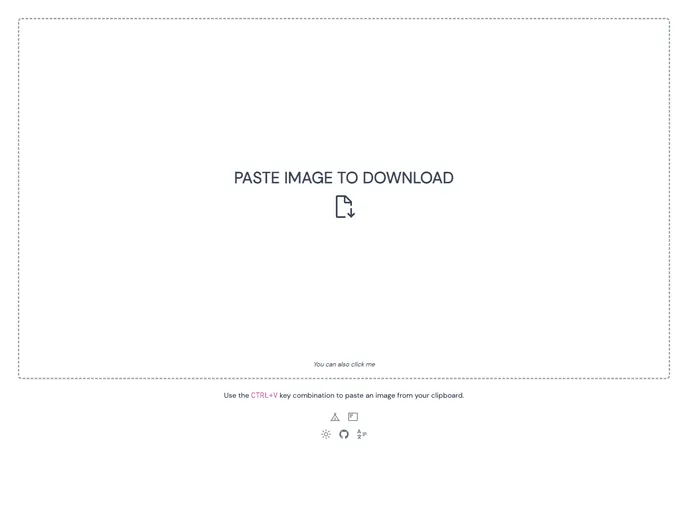

Paste Image to Download (https://paste.photos) is a utility website for downloading images in your clipboard.
Overview
Paste Image To Download is a handy utility website designed to simplify the process of downloading images directly from your clipboard. Whether you're a content creator, a designer, or simply someone who likes to collect images, this tool can save you a significant amount of time and effort. With just a simple paste, you can instantly store images for later use without the hassle of right-clicking or navigating through a multitude of download menus.
The website's user-friendly interface makes it accessible for everyone, regardless of tech-savviness. This tool transforms the way people capture and save images, making the process seamless and efficient.
Features
-
Clipboard Integration: Easily paste images directly from your clipboard without any extra steps, streamlining your workflow.
-
User-Friendly Interface: Offers a clean and intuitive layout that makes downloading images simple and straightforward.
-
Instant Download: Quickly downloads images to your device, eliminating the need to navigate through multiple menus.
-
Cross-Platform Compatibility: This web application works seamlessly on various devices and browsers, ensuring a consistent experience.
-
No Installations Required: As a web-based tool, there's no need for any downloads or installations, making it convenient and accessible anytime.
-
Supports Multiple Formats: Can handle various image formats, allowing you to grab exactly what you need regardless of the file type.
-
Free to Use: Enjoy the benefits of this tool without any cost, making it perfect for casual users and professionals alike.
- Vite
Vite is a build tool that aims to provide a faster and leaner development experience for modern web projects
- Pwa
A Progressive Web App (PWA) is a type of web application that uses modern web technologies to provide a native app-like experience to users, including offline functionality, push notifications, and device hardware access. PWAs can be installed on a user's home screen and launched like a traditional app, but do not require a separate app store listing or download.