
SnapKit
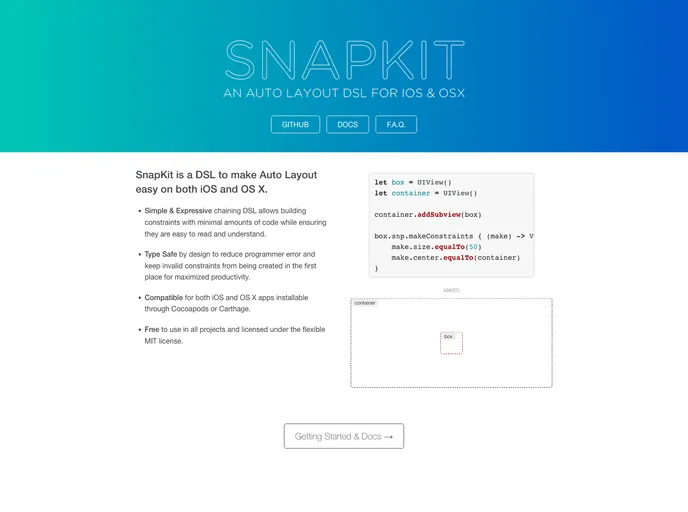
A Swift Autolayout DSL for iOS & OS X
Overview
SnapKit is a Domain Specific Language (DSL) that simplifies Auto Layout for iOS and macOS projects. It is compatible with Cocoapods and Carthage and supports both Swift 4.x and Swift 5.x.
Features
- Easy to use DSL for Auto Layout
- Compatible with iOS, macOS, and tvOS
- Supports Swift 4.0+ and Swift 5.0+
Cocoapods
To install SnapKit using Cocoapods, use the following steps:
- Install Cocoapods 1.1.0+ if you haven't already.
- Add the following line to your Podfile:
pod 'SnapKit' - Run
pod installcommand in your project directory.
Carthage
To install SnapKit using Carthage, follow these steps:
- Install Carthage using Homebrew.
- Add the following line to your Cartfile:
github "SnapKit/SnapKit" - Run
carthage updatein your project directory. - Drag the built SnapKit.framework into your Xcode project.
Swift Package Manager
To install SnapKit using Swift Package Manager, follow these steps:
- Ensure you are using Xcode 11+.
- Add SnapKit to the
dependenciesvalue of your Package.swift file:dependencies: [ .package(url: "https://github.com/SnapKit/SnapKit.git", from: "5.0.0") ] - Run
swift buildcommand.
Manual Installation
If you prefer, you can also manually integrate SnapKit into your project.
Summary
SnapKit is a convenient DSL that simplifies Auto Layout in iOS and macOS projects. It is compatible with popular dependency managers such as Cocoapods and Carthage, and supports multiple Swift versions. By using SnapKit, developers can easily create and manage complex layouts in their applications.