
Phoenix Liveview Chat Example
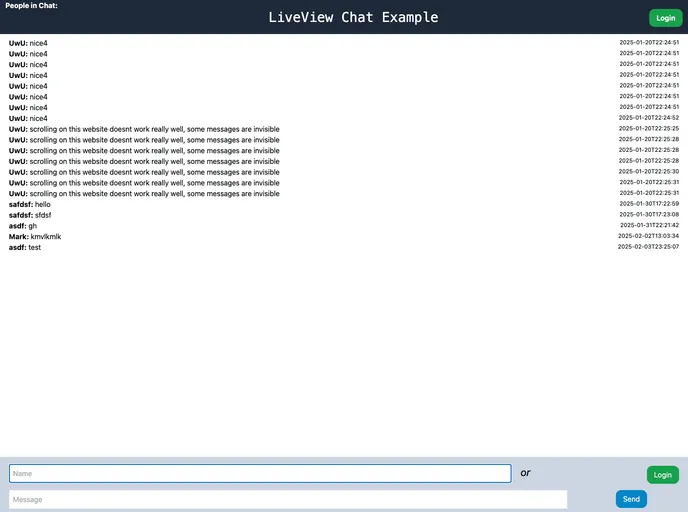
Step-by-step tutorial creates a Chat App using Phoenix LiveView including Presence, Authentication and Style with Tailwind CSS
Overview
The LiveView Chat Tutorial with Tailwind CSS is a comprehensive example and tutorial for learning Phoenix LiveView. It covers setting up a fully functional chat application with features including testing, authentication, presence tracking, and styling with Tailwind CSS. This tutorial is aimed at individuals wanting a self-contained example with complete code, tests, and authentication.
Features
- Comprehensive Tutorial: Provides a step-by-step guide from setting up the Phoenix app to implementing chat functionality with LiveView.
- Testing: Includes instructions on updating tests and ensuring proper validation for message creation.
- Authentication: Covers setting up authentication using an API key and demonstrating the optional authentication pipeline.
- Presence Tracking: Explains how to implement presence functionality to notify connected clients of new messages.
- Tailwind CSS Styling: Demonstrates styling the chat application using Tailwind CSS for a visually appealing interface.
Summary
The LiveView Chat Tutorial with Tailwind CSS offers a practical and hands-on approach to learning Phoenix LiveView. By following this tutorial, users can build a functional chat application with essential features like testing, authentication, and presence tracking. With detailed explanations and code snippets, this example serves as a valuable resource for individuals looking to enhance their LiveView skills.